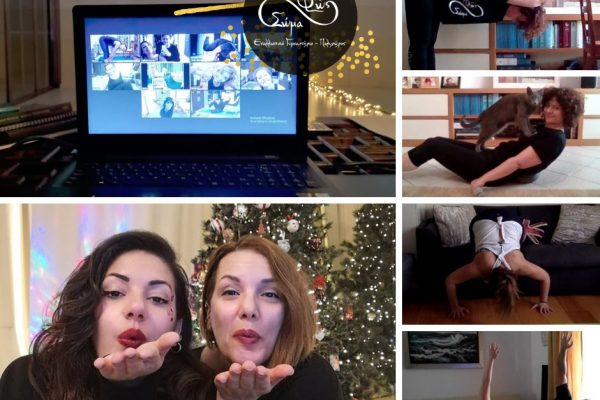
Online Classes
https://www.phws.eu/timetable/
THE CLASSES:
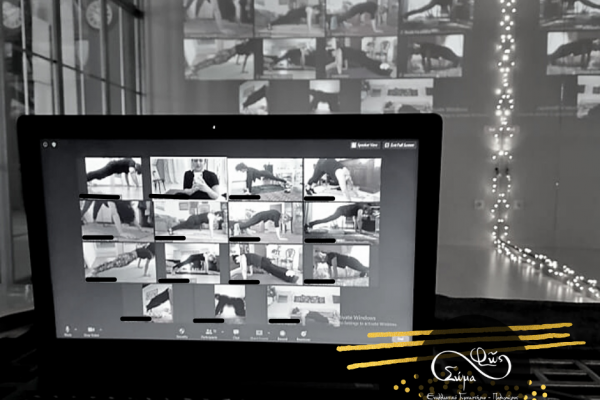
e-MEETINGS: For our sessions, we will use the very simple Zoom platform. See below where you can find full instructions for using it in Greek.
REQUIRED
REGISTRATION: One month (30 days from your starting date) is the minimum booking period. Before registering, you may attend one trial session for each class.
Your registration will be confirmed once you have paid your contribution for the monthly class period or for the individual session/seminar.
A DIFFERENT LINK FOR EACH DAY AND CLASS: Each class and each day of the week has its own separate Zoom access link.
REGISTRATION PROCESS FOR e-CLASSES
PRELIMINARY STEP: Contact
Contact us by phone at 6932305351 so that we can learn about your goals and physical condition (e.g. injuries) and help you choose the right classes.
STEP 2 (we take care of this!):
Once we receive the above information, we will send you electronically, by 12:00 on the day of the class, the details (link and password) you will need to access the platform for that specific class.
USEFUL INFORMATION about the platform
First of all, download the Zoom application to your computer, tablet or mobile phone. It is very easy. You only need to install it once. For all subsequent classes, simply click the link we will have sent you in response to your registration email. This will open Zoom (“Open Zoom”) in a pop-up window. When prompted, enter the password we have sent you.
Zoom login time: You can join up to ten minutes before the class begins in order to make any necessary technical adjustments. We recommend having everything you will need for your class close by. Please be punctual so that once the class begins, the flow of the session does not need to be interrupted.
WHAT WE USE AS EXERCISE EQUIPMENT FOR ONLINE CLASSES.
An exercise mat, chair, cushions, broomstick, towel, ball, resistance bands, dumbbells and anything else that may be useful for the particular class and is available at home.
If you do not have the required equipment, you can contact your instructor. There are always alternatives.
(For example, if you do not have dumbbells, you can use two bottles of water.)
Webcam setup:
Join the platform according to the instructions.
Make sure that both your audio and webcam image are working correctly once you have entered Zoom, as the camera view can differ from one platform to another.
Make sure you have very good, evenly distributed lighting so that you are clearly visible. If the class takes place early in the day and there is sunlight, avoid having the window directly behind you.
Position the camera so that you can be seen in two or three different positions within your space without having to move it.
Test all positions to make sure they are visible on camera. If not, adjust the setup according to your space.
We strongly recommend completing this process before the class begins.
As mentioned above, the platform allows you to join 10 minutes before the start of the class. This gives you time to test your camera and microphone and make sure everything is working properly. If you are not very comfortable with technology and feel unsure, give us a call.